
Sumcase
Receipt scanner & expense tracker for freelancers and small teams
Upload a receipt as a photo or PDF, get the vendor, date, taxes and total pulled out automatically, and see every expense sorted by client project. Accounts, subscriptions and an admin console included.
Sumcase is a full web application: a server-rendered TypeScript app, an SQL database that holds accounts, receipts and projects, and three outside services the server calls on demand — an AI model that reads receipts, a payment processor for subscriptions, and an email API for password resets. Sign-in works with email/password or Google.
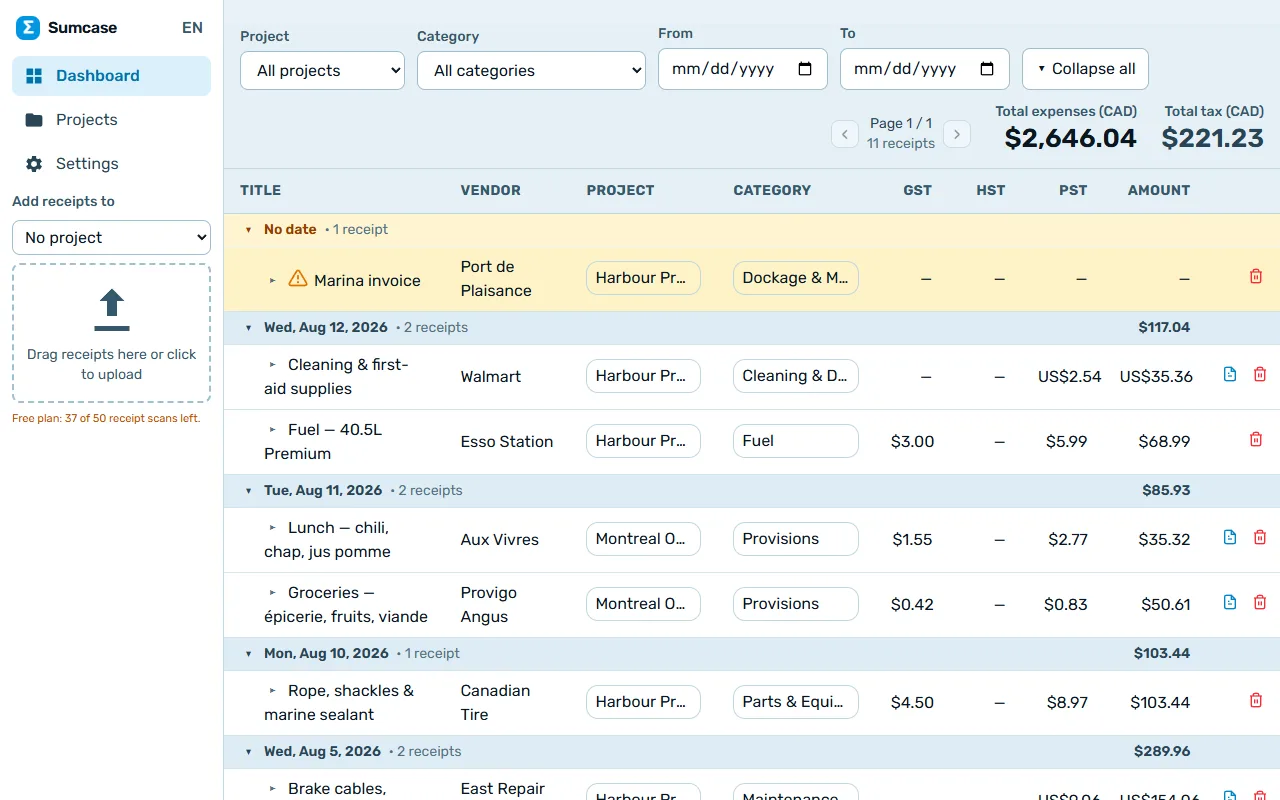
A receipt goes in as a photo, PDF or document. The server sends it to the AI model, gets back structured fields (vendor, date, GST/HST/PST, tip, total, currency), checks that the numbers add up, flags anything doubtful for manual review, and stores the result. The dashboard groups receipts by day and project, converts foreign currencies to the home currency and lets every field be edited in place.
The browser never talks to the database or the AI directly — only the server does, with keys that stay on the server. A separate admin console runs on the owner's own computer and reads the database straight, so support work never exposes an admin page to the internet. The server scales down to zero when idle.
What you get with a project like this
- Instant demo with no account, so visitors can try before they sign up
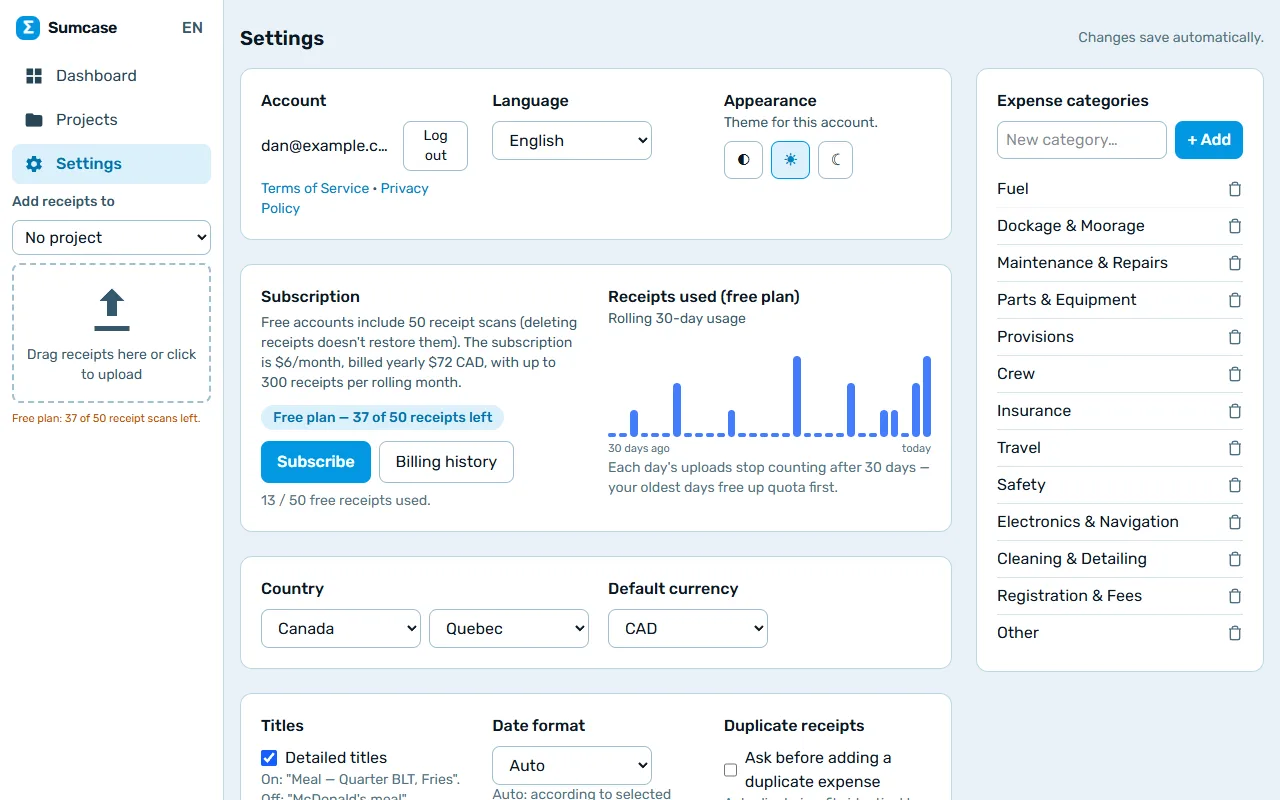
- Sign in with email/password or Google; password reset by email
- AI reads receipts (vendor, date, GST/PST/VAT, total) in a few seconds
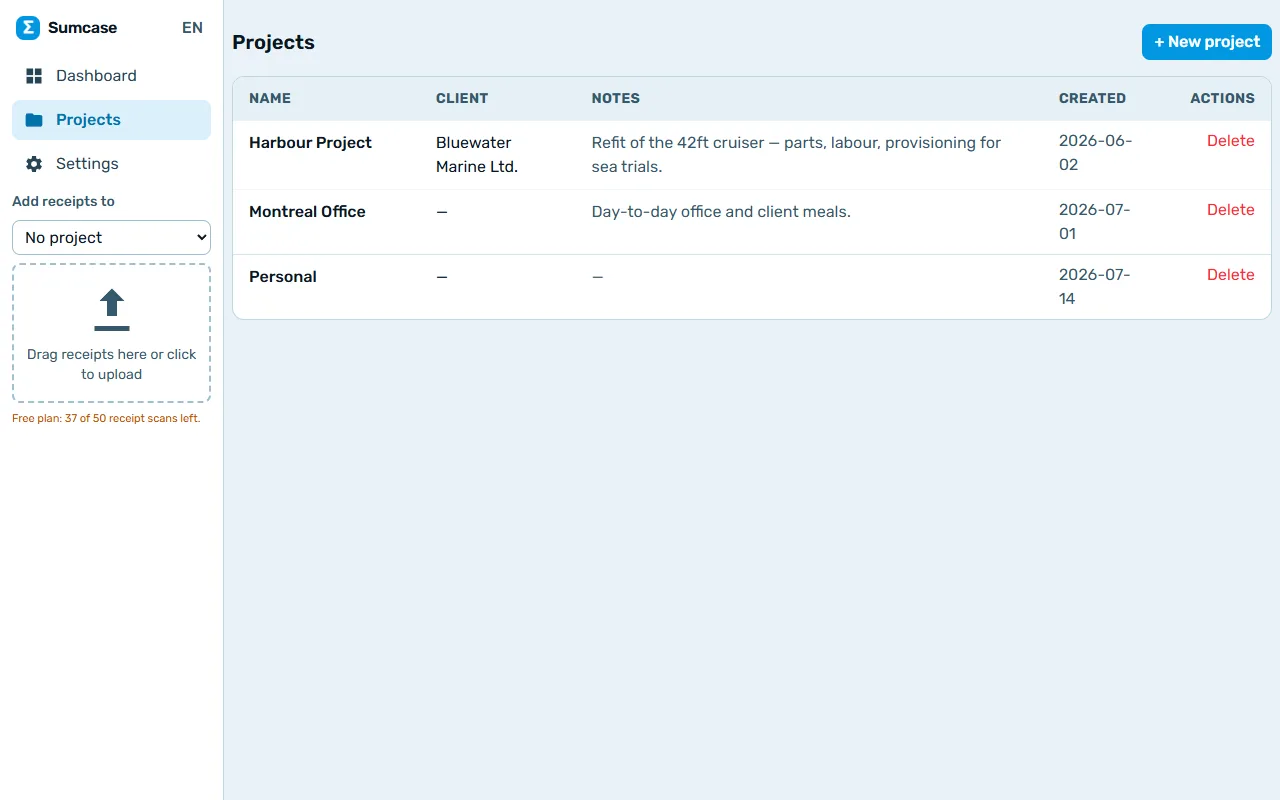
- Expenses grouped by client project with running totals
- Card payments and subscription plans
- A private admin console for support work — never exposed to the internet
- Terms, privacy policy, sitemap and search-engine tags done properly
Every moving part, in plain language.
Follow the arrows from the person using it to where the data lives. Hover any box to see what it talks to.
Where people open the app — any browser, nothing to install.
Points visitors to the right server and encrypts the connection.
Draws every page and does the thinking. Sleeps when idle, wakes in a second.
Stores accounts, receipts and projects. Only the server can reach it.
Looks at a receipt and returns the vendor, taxes and total.
Takes cards, handles subscriptions and invoices. Card numbers never touch our server.
Sends password resets and receipts.
A separate private page for support: look up a customer, extend a trial, refund, resend an email.
What it costs to keep this online.
Building is a one-time price. Running it is a separate, usually tiny, monthly amount — here is where every dollar goes.
| Part | Per month | Notes |
|---|---|---|
Website server Scales to zero when idle; grows only with traffic. | $5 | Scales to zero when idle; grows only with traffic. |
Database & sign-in Managed SQL database with daily backups. | $25 | Managed SQL database with daily backups. |
AI receipt reading Pay per receipt read; this is what a typical user costs. | $1.50 / user / month | Pay per receipt read; this is what a typical user costs. |
Payments No fixed fee — the processor takes a cut per charge. | 3% of each payment | No fixed fee — the processor takes a cut per charge. |
Emails Transactional email service. | $20 | Transactional email service. |
Domain name About $12 per year. | $1 | About $12 per year. |
| Total | ≈ $52.50 / month + 3% of payments | |
Full-size demo.
Want something like this?
Describe what is different about your situation and you will get an honest range and a plan.
Tell me about your project